Getting back takes too long
Keep the pages you use most at the screen edge instead of digging through tabs.
 WebBall
WebBall keeps your favorite web apps at the edge of your Mac, so opening, comparing, translating, and understanding pages does not break your flow.
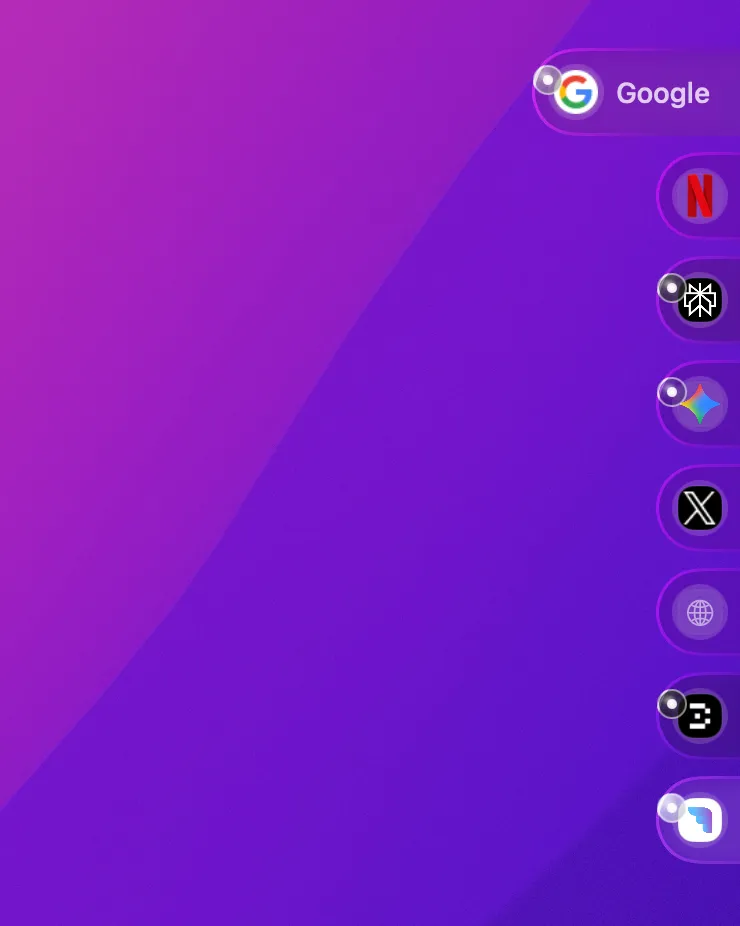
The floating ball stays at the screen edge, ready whenever you need it, with one-click access to the pages you use most.
Add your favorite web apps and sites, then open them without returning to tabs or launchers.
The ball stays anchored at the screen edge, always available without blocking your view.
Add your favorite apps and sites for one-click access, tailored to your workflow.
Reduce repetitive steps and keep attention on the page, task, or idea in front of you.
Keep the pages you use most at the screen edge instead of digging through tabs.
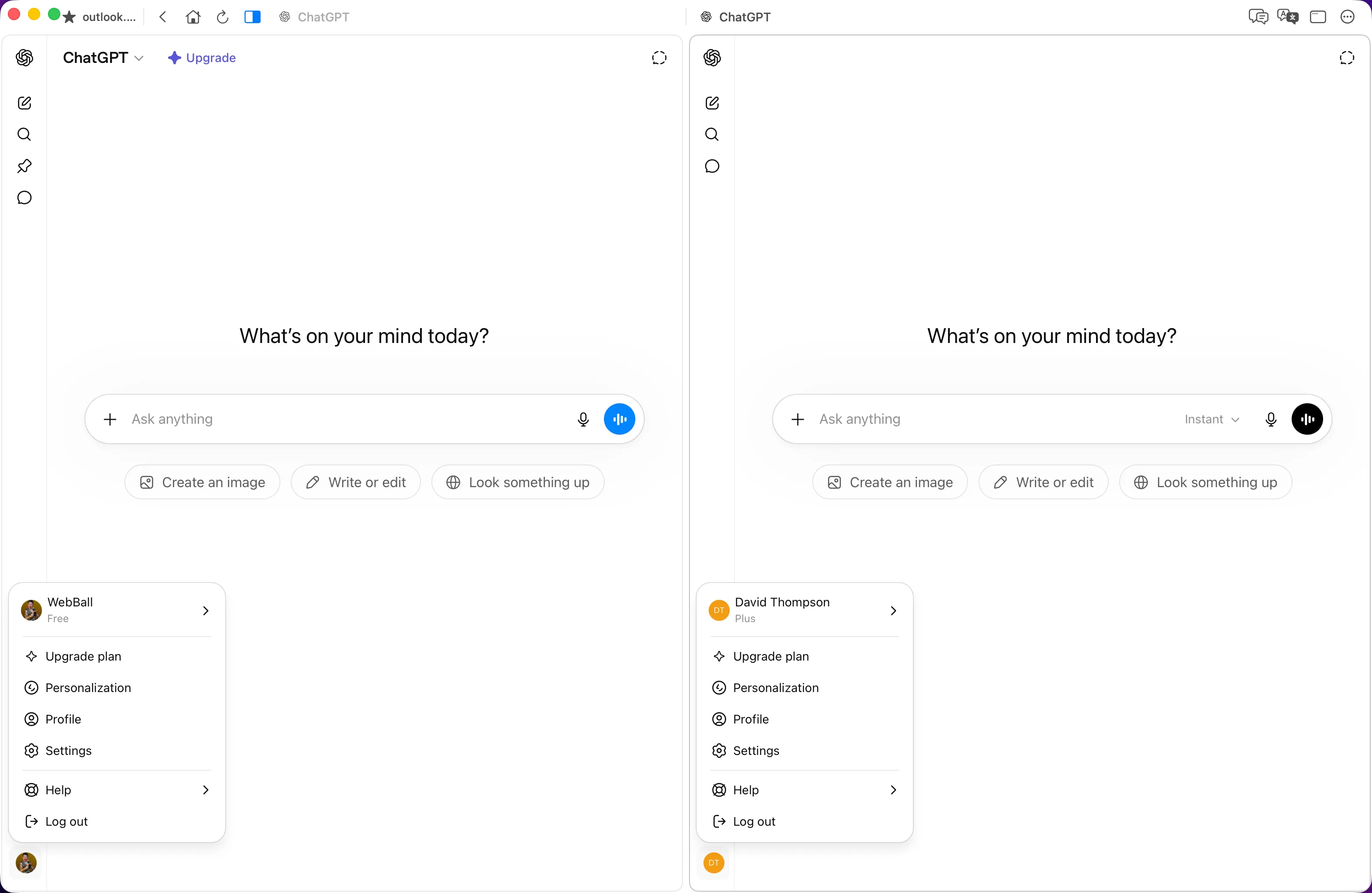
Put two sessions side by side without bouncing between windows.
Translate unfamiliar pages in place, with context preserved and fewer tool detours.
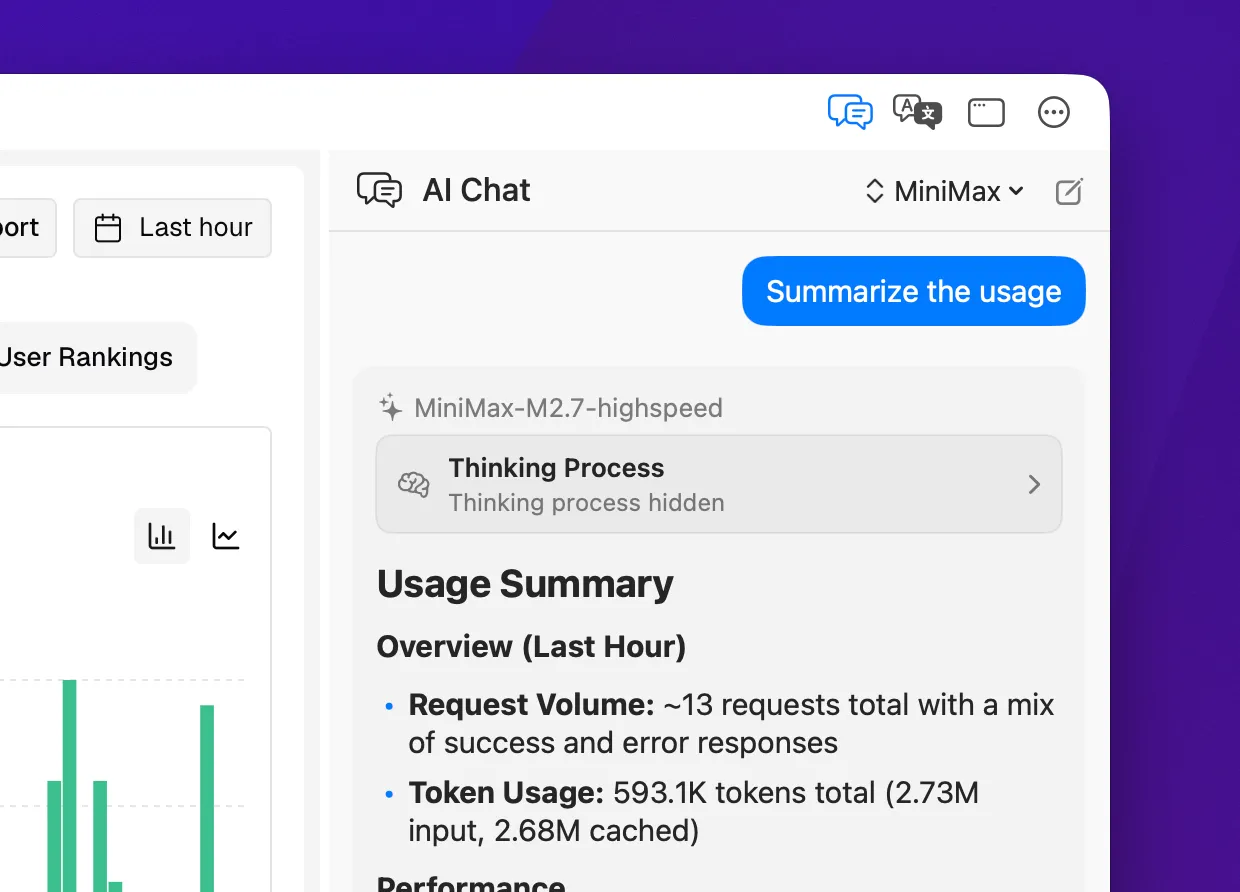
Ask for summaries and explanations without leaving the page.
Use the same calm, native window for quick access, split browsing, page translation, and AI-assisted understanding.
Run two independent sessions at once, so you can compare pages or use two accounts without mixing state.
Keep work and personal accounts open at the same time, without repeatedly signing in and out.
Translate foreign webpages with one click, keeping unfamiliar content readable without breaking your browsing flow.
Read professional articles, research, and technical documentation with less friction.
Keep an AI chat panel next to the page for summaries, explanations, and follow-up questions without leaving the current page.
Use custom AI providers with OpenAI-compatible APIs, and turn long pages into points you can understand and follow up on.
Just 9MB to download. Ready to use without weighing down your Mac.
Built with SwiftUI for a small memory footprint. Stays fluid during heavy multitasking.
100% native macOS experience with system-level integration and smooth performance.
Starts quickly and gets out of the way, so click-and-go feels natural.
Open favorite pages, browse in split view, translate web content, use AI assistance, and keep profiles separate from one quiet floating entry.
Pin favorite web apps to the screen edge and open them with one click.
Compare two pages side by side, including separate accounts and workflows.
Translate foreign webpages in one click and keep reading without leaving the page.
Summarize, explain, and ask questions beside any webpage.
Keep work, research, and personal browsing separated.
Run natively on macOS with local-first browsing data.
WebBall brings quick access, page translation, AI-assisted reading, and focused multitasking into one native macOS browser companion.